PortraitFit
Ship your portrait Unity game on the web without distortion.
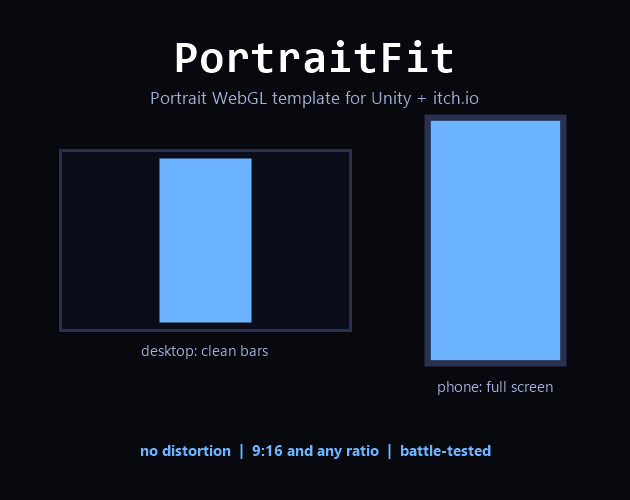
Your Unity game is portrait, built for phones at 9:16, but Unity's default WebGL page assumes landscape. On the web the result is a game that is squeezed, distorted or tiny. PortraitFit fixes that with one file.
What it does
- On desktop browsers your game renders as a centered portrait column with clean letterbox bars, with no distortion
- On phones the game fills the whole screen, or strictly keeps its ratio, whichever you choose
- Minimal loading screen with title and progress bar, colors configurable
- Optional built in fullscreen button for self hosting, since portals usually provide their own
Setup in three steps
- Import the package, or copy one folder into your project
- Player Settings, then Resolution and Presentation, then WebGL Template, then PortraitFit
- Build
Configuration
Everything sits in two clearly marked config blocks at the top of
index.html: aspect ratio, which defaults to 9:16 but accepts any
ratio, fill behavior on phones, and the colors for background, bars and loading
screen. Plain HTML, CSS and JavaScript, no build tools and no dependencies.
Battle tested
This template ships with my own game Famechaser, on desktop and mobile.
Requirements
Built and tested with Unity 6. The template mechanism itself works the same way
from Unity 2020 onward. It works anywhere your index.html is served
directly, on your own site or on most portals. Portals that wrap games in their
own player ignore custom templates entirely, which is a platform limitation
rather than a PortraitFit one.
Where to get it
- itch.io available now
- Unity Asset Store available now